


The Pin-Up KZ platform offers users from Kazakhstan a fully functional mobile application for Android and iOS operating systems. The app provides access to all platform features—over 3500 slot machines, live casino, real-time sports betting, bonus management, and financial operations—with an interface optimized for touchscreens. This material provides detailed instructions on downloading and installing the app, technical specifications, a comparison with the web version, and solutions to common installation issues.
The mobile application is developed taking into account the specifics of the Kazakh market and is adapted for local payment systems, supports Tenge as the main currency, and grants access to exclusive mobile bonuses. The application operates under the same Curaçao license No. 8048/JAZ as the web version, ensuring an identical level of safety and reliability. Regular updates guarantee stable performance, the addition of new features, and the correction of identified errors.
Advantages of the Mobile Application over the Web Version
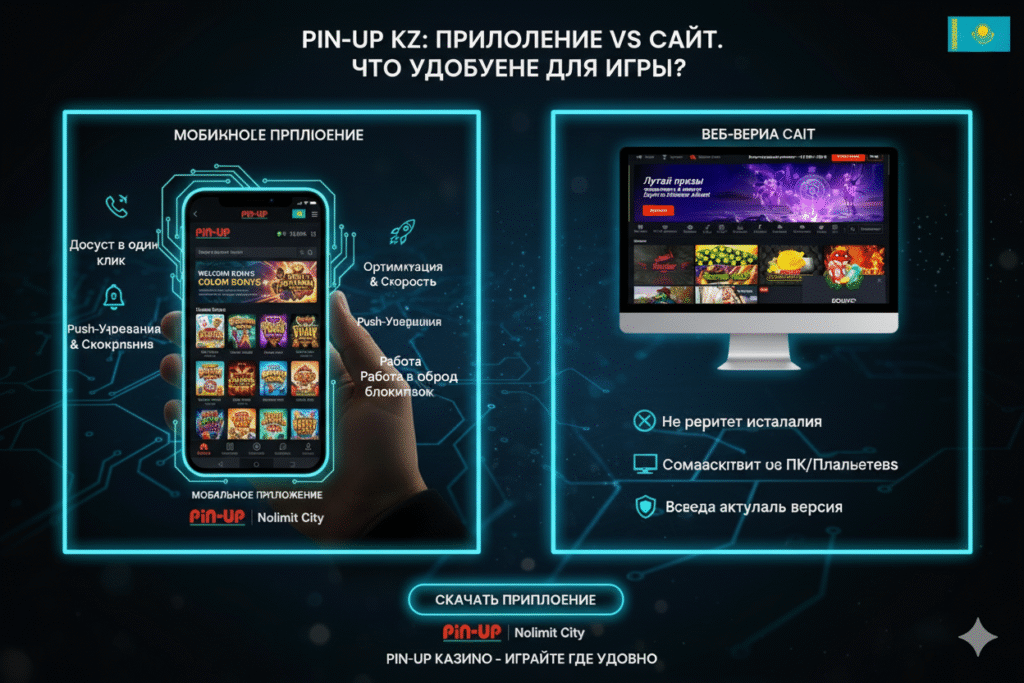
The native application provides a number of technical and functional advantages compared to accessing the platform via a mobile browser. These benefits ensure a more comfortable user experience and expanded interaction capabilities.
Technical Advantages
Optimization at the operating system level provides the following enhancements:
- Loading Speed — The app launches 40-50% faster than the browser version due to local resource caching
- Connection Stability — Automatic reconnection during brief network outages without losing session data
- Traffic Optimization — Data compression reduces mobile internet usage by 30-35%
- Performance — Games load faster, and animations run smoother thanks to hardware acceleration
- Background Operation — The app continues to update betting and balance data when switching between applications
Functional Advantages
Exclusive features unavailable in the browser version:
- Push Notifications — Instant alerts about bet results, odds changes, new bonuses, and promotions
- Biometric Authentication — Quick login via fingerprint or Face ID without entering a password
- Quick Access — Launch with a single tap on the desktop icon instead of opening the browser and typing the address
- Offline Mode — Access to betting history, game rules, and account information without internet access
- Optimized Navigation — Swipe gestures for fast switching between sections
- System Integration — Automatic filling of SMS codes during two-factor authentication
Exclusive Mobile Bonuses
App users gain access to special promotions:
- Bonus for the first installation and registration through the app (usually 500-1000 ₸ or 10-25 free spins)
- Increased cashback percentage for active mobile version users
- Exclusive tournaments with access only for mobile players
- Additional free spins when topping up the account via the app
- Accelerated withdrawal processing for verified mobile users
How to Download Pin-Up on Android — Step-by-Step Guide
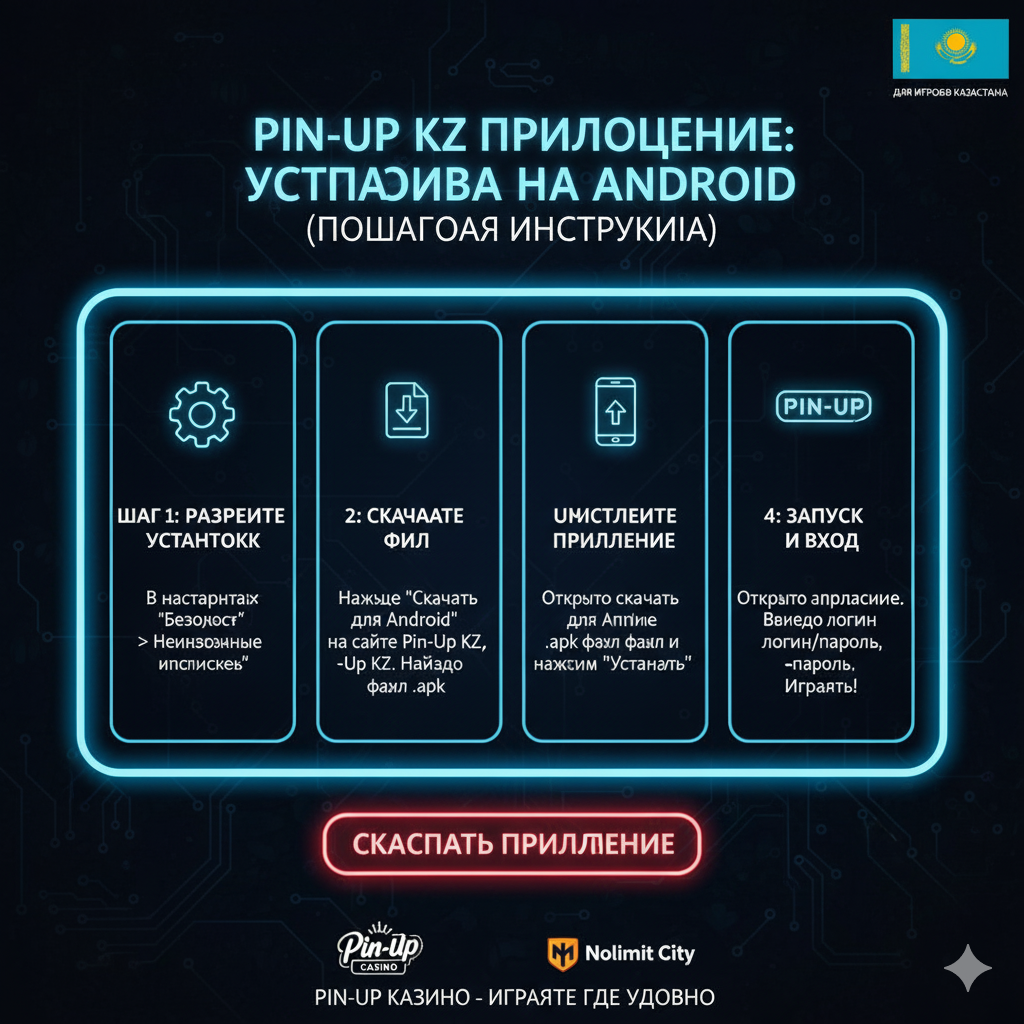
Installing the application on Android devices requires downloading the APK file from the official website, as online casino applications are not hosted on the Google Play Store due to the store’s policy.
System Requirements for Android
Before installation, make sure your device meets the minimum requirements:
| Parameter | Minimum Requirements | Recommended Requirements |
|---|---|---|
| OS Version | Android 5.0 (Lollipop) | Android 8.0 (Oreo) and higher |
| RAM | 1 GB RAM | 2 GB RAM and more |
| Free Space | 60 MB | 150 MB (with cache) |
| Processor | 1.0 GHz (single-core) | 1.5 GHz (quad-core) |
| Internet | 3G (1 Mbit/s) | 4G/Wi-Fi (from 3 Mbit/s) |
Stage 1: Device Preparation
Before downloading, you need to allow the installation of applications from unknown sources:
- Open Android settings on your device
- Go to the “Security” or “Privacy” section
- Find the item “Unknown sources” or “Install unknown apps”
- For Android 8.0+, select the browser you will use to download the APK (Chrome, Firefox, Opera)
- Activate the switch to allow installation
- Confirm the action in the pop-up warning
Important note: After installing the Pin-Up app, it is recommended to disable this option again to enhance device security.
Stage 2: Downloading pin up apk kz
The process for downloading the official installation file:
- Open the browser on your mobile device (Chrome, Firefox, Opera, or another)
- Go to the official website pin-up.kz (ensure the address is correct)
- Find the “Mobile Application” section in the main menu or scroll down the page
- Click the “Download for Android” button or the icon with the Android logo
- Confirm the start of the download in the browser’s pop-up window
- Wait for the download to complete (usually 30-60 seconds depending on internet speed)
- The file will be saved in the device’s “Downloads” folder
The size of the installation file is approximately 55-65 MB. With a slow internet connection, the process may take up to 3-5 minutes.
Stage 3: Application Installation
After the download is complete, proceed to installation:
- Open the Android notification panel (swipe from top to bottom)
- Tap the notification about the completed download of the pin-up.apk file
- Alternatively: open the “Downloads” folder through the file manager and find the file
- Tap the APK file to start the installation process
- Review the requested permissions (access to storage, internet, notifications)
- Click the “Install” button at the bottom of the screen
- Wait for the installation to finish (usually 10-20 seconds)
- Click “Open” for the first launch or “Done” to exit
Stage 4: First Launch and Setup
Perform the initial setup when opening the app for the first time:
- Accept the terms of the user agreement and privacy policy
- Allow push notifications (can be configured later in settings)
- Log in to an existing account or create a new one (registration is available directly in the app)
- Set up biometric authentication if your device supports it (optional)
- Select the preferred interface language (Russian, Kazakh, English)
- Configure the types of notifications (bet results, bonuses, promotions)
Once the setup is complete, the application is ready for use. The icon will appear on the desktop and in the app menu.
Installing Pin-Up iOS on iPhone and iPad
The application installation process on Apple devices differs from Android due to stricter App Store restrictions on online casino applications. Several alternative methods are available for iOS users.
System Requirements for iOS
Application compatibility with Apple devices:
| Parameter | Requirements |
|---|---|
| iOS Version | iOS 11.0 and higher |
| Compatible Devices | iPhone 6s and newer, iPad (5th generation) and newer, iPad Pro, iPad Air 2 and newer, iPad mini 4 and newer |
| Free Space | 80 MB |
| Internet for Installation | Wi-Fi or 4G/5G |
Method 1: Installation via Corporate Certificate
The most common way to install on iOS:
- Open Safari on your iPhone or iPad (it is important to use Safari; other browsers may not support the installation)
- Go to the official website pin-up.kz
- Find the “Mobile Application” or “Download for iOS” section
- Click the “Install for iOS” button or the Apple icon
- The system will redirect to the installation page via a corporate profile
- Click “Allow” in the pop-up window regarding the configuration profile download
- Go to “Settings” → “General” → “Profiles & Device Management”
- Find the Pin-Up KZ profile and tap on it
- Click “Install” in the upper right corner
- Enter the device unlock password if prompted
- Confirm the installation by clicking “Install” again
- Wait for the process to complete and click “Done”
- Return to the home screen — the app icon will appear among other applications
Method 2: Using the Web Application (PWA)
An alternative approach using a Progressive Web App:
- Open Safari and go to pin-up.kz
- Click the “Share” button (square with an upward arrow) at the bottom of the screen
- Scroll through the list of options and select “Add to Home Screen”
- Enter a name for the shortcut (default is “Pin-Up KZ”)
- Click “Add” in the upper right corner
- The icon will appear on the home screen next to other applications
The PWA version works through the Safari browser but launches as a full-fledged application in a separate window without the browser’s address bar and navigation elements. The functionality is practically identical to the native app, although some features (e.g., push notifications) may have limitations.
Solving the “Untrusted Developer” Issue
When launching an application installed via a corporate certificate for the first time, an “Untrusted Enterprise Developer” error may appear. To resolve it:
- Close the error window
- Open iOS “Settings”
- Go to “General” → “Device Management” (or “VPN & Device Management”)
- In the “Enterprise App” section, find the Pin-Up profile
- Tap the profile and select “Trust “[developer name]””
- Confirm the action in the dialogue box
- Return to the home screen and launch the app again
After performing these steps, the application will open without errors.

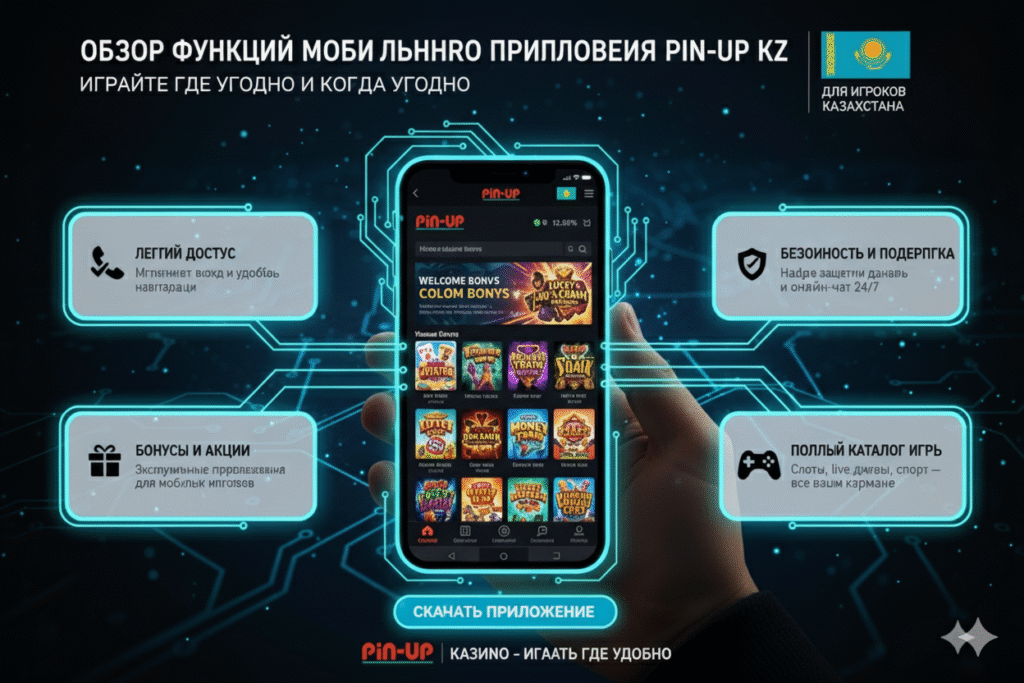
Functional Capabilities of the Mobile Application
The application provides full access to all platform services with an interface adapted for mobile devices.
Gaming Sections
The game catalogue in the mobile application includes:
- Slots — over 3500 slot machines from providers like Pragmatic Play, NetEnt, Microgaming, Play’n GO, Evolution Gaming, and others
- Live Casino — real-time broadcasts with live dealers: roulette, blackjack, baccarat, poker, game-shows
- Table Games — classic versions of roulette, blackjack, poker without live mode
- Jackpot Games — slots with progressive jackpots and cumulative prize pools
- Tournaments — weekly competitions with prize places and leaderboards
Sports Betting
The betting section offers:
- Line of events for football, tennis, basketball, hockey, volleyball, esports, and 30+ more disciplines
- Live betting with real-time odds updates
- Wide market selection: main outcome, totals, handicaps, statistical indicators
- Express bet builder with automatic calculation of potential winnings
- Statistics and analytics section for making informed decisions
- Match broadcasts (for verified users with an active balance)
Account Management
Financial operations in the application:
- Top-up via 20+ methods: bank cards, e-wallets, cryptocurrencies, mobile operators
- Withdrawal of funds to the same methods used for deposit
- History of all transactions filtered by type and date
- Real-time tracking of withdrawal request status
- Currency conversion with current exchange rates
Bonuses and Promotions
Incentive management:
- Activation of available promo codes and bonus offers
- Monitoring the wagering progress of active bonuses with visualization
- Viewing the conditions of each promotion with detailed requirements
- History of accrued and used bonuses
- Notifications about new exclusive offers
Additional Features
Auxiliary functions of the application:
- Support Service: 24/7 online chat with operators
- FAQ section with answers to common questions
- Profile settings: changing password, contact details, preferences
- Responsible gaming tools: limits, timeouts, self-exclusion
- Interface language switching (Russian, Kazakh, English)
- Dark and light design themes
Comparison of the Mobile Application with the Web Version
A detailed comparison of characteristics helps determine the optimal way to access the platform based on individual needs.
| Parameter | Mobile Application | Mobile Web Version |
|---|---|---|
| Loading Speed | High (local cache) | Medium (depends on network) |
| Installation | Required (60-80 MB) | Not required |
| Push Notifications | Full support | Limited (iOS 16.4+ only) |
| Offline Functions | History, rules, statistics | Absent |
| Biometrics | Face ID, Touch ID, Fingerprint | Depends on the browser |
| Traffic Consumption | 30-35% lower | Standard |
| Updates | Automatic | Not required |
| Stability | High | Depends on the browser |
| Exclusive Bonuses | Available | Absent |
| Device Requirements | Android 5.0+, iOS 11.0+ | Any modern browser |
The choice recommendation depends on the usage scenario:
- The Application is optimal for regular users who value speed, stability, and convenient access
- The Web Version is suitable for occasional players who do not wish to install extra software, or who have limited device storage
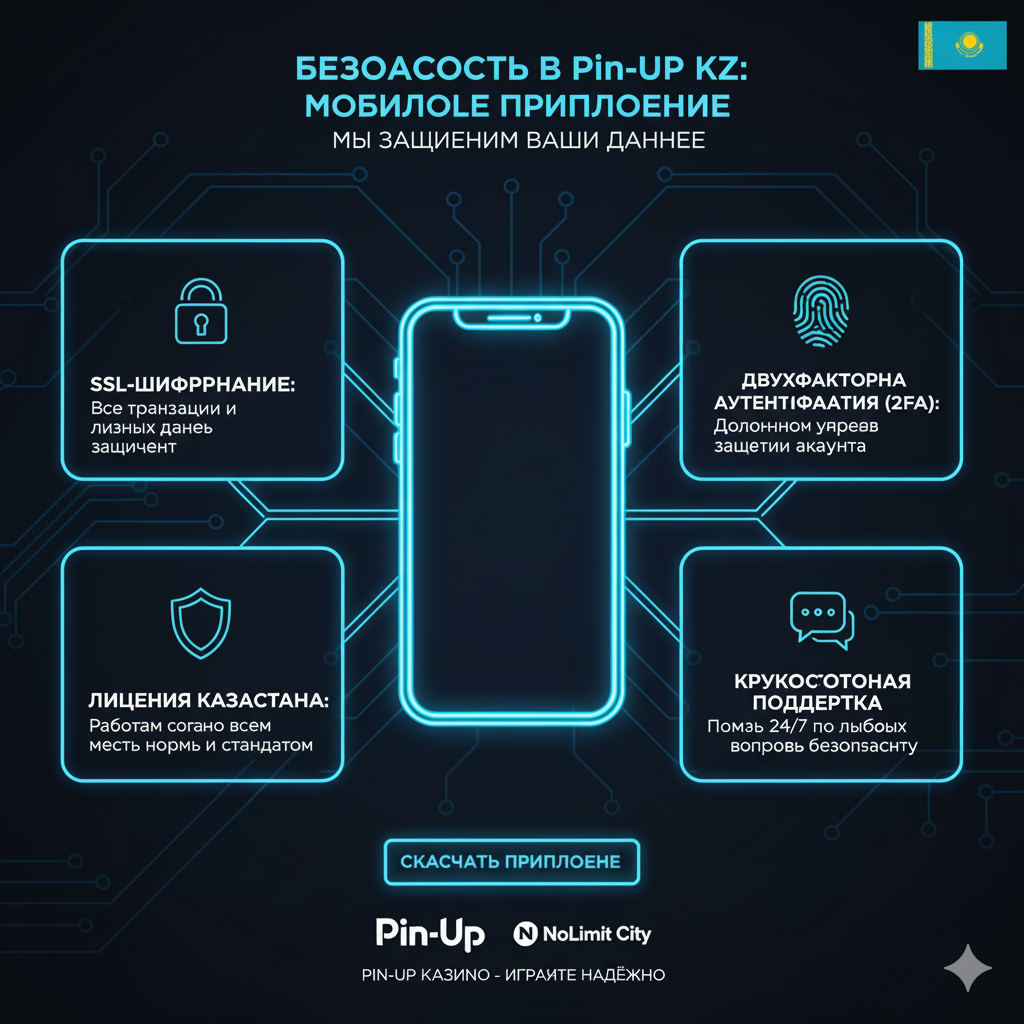
Security and Confidentiality of the Mobile Application
The platform employs multi-level protocols for protecting user data in the mobile application, which comply with the requirements of the Curaçao license and international information security standards.
Encryption Technologies
Data transfer protection is ensured by:
- SSL/TLS 1.3 — the protocol for encrypting all traffic between the application and the servers
- 256-bit AES encryption — for storing sensitive data on the device
- RSA-2048 — for key exchange and authentication
- Password Hashing — the bcrypt algorithm to protect credentials
Multi-Factor Authentication
Additional layers of account protection:
- Two-factor authentication via SMS codes
- Support for authenticator apps (Google Authenticator, Authy)
- Biometric identification (fingerprint, Face ID)
- PIN code for quick login to the application
- Confirmation of critical operations (withdrawal, password change) with separate codes
Suspicious Activity Monitoring
The security system automatically tracks:
- Logins from new devices (email notifications sent)
- Unusual patterns of bets or financial transactions
- Multiple unsuccessful login attempts
- Changes to critical account settings
- Geolocation anomalies (rapid location change)
Application Permissions
The application requests only the minimally necessary permissions:
| Permission | Purpose | Mandatory |
|---|---|---|
| Internet | Connection to platform servers | Mandatory |
| Storage | Saving cache and settings | Mandatory |
| Notifications | Push notifications about bets and bonuses | Optional |
| Camera | Scanning QR codes for quick payments | Optional |
| Biometrics | Login via fingerprint/Face ID | Optional |
The application does not request access to contacts, location, microphone, photos, or other confidential device data unrelated to its functionality.
Solving Typical Installation and Usage Issues
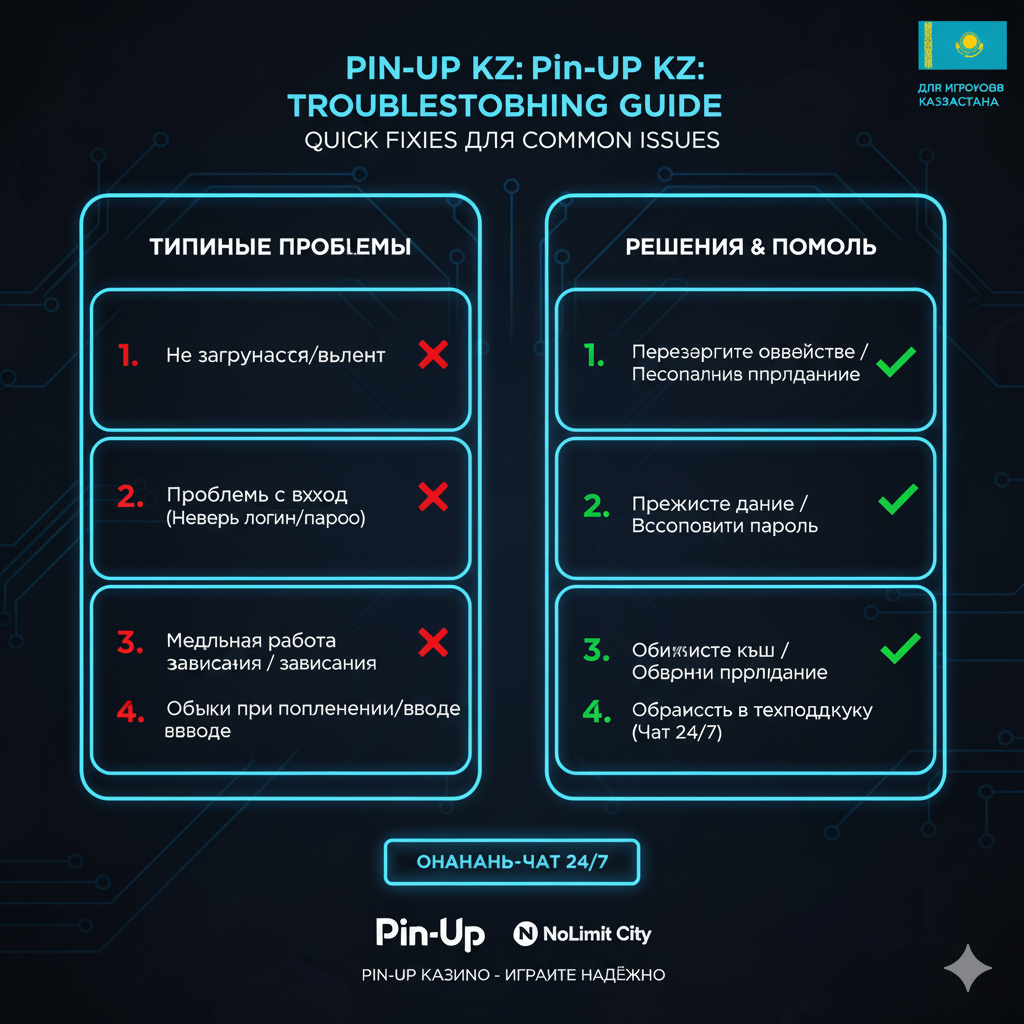
Analysis of user requests reveals recurring technical problems and effective ways to eliminate them.
Installation Issues on Android
“App not installed” Error
Possible causes and solutions:
- Insufficient free space — delete unnecessary files or applications, freeing up at least 150 MB
- Corrupted APK file — repeat the download from the official website using a stable connection
- Conflict with an older version — uninstall the previous version of the app before installing the new one
- Antivirus blocking — temporarily disable antivirus software during installation
Application does not open after installation
Troubleshooting methods:
- Restart the device
- Clear the app cache: Settings → Apps → Pin-Up → Storage → Clear Cache
- Check for Android system updates
- Ensure a stable internet connection
- Reinstall the application
“Parse Error”
Solution to the installation package parsing problem:
- Check Android version compatibility (5.0+ required)
- Ensure the APK file is fully downloaded (check size — should be 55-65 MB)
- Download the file again using a different browser
- Check if the SD card is corrupted (if used for installation)
Installation Issues on iOS
Configuration Profile Fails to Install
Steps for correction:
- Ensure you are using Safari (other browsers do not support profile installation)
- Check internet connection stability (Wi-Fi preferred)
- Delete old unused profiles: Settings → General → Profiles
- Make sure restrictions are not set: Settings → Screen Time → Content & Privacy Restrictions → Profiles (should be “Allow”)
- Restart the device and try again
Application does not launch, shows a white screen
Solution options:
- Completely close the application (swipe up in the app switcher) and open it again
- Check developer trust: Settings → General → Device Management
- Clear Safari cache: Settings → Safari → Clear History and Website Data
- Update iOS to the latest available version
- Reinstall the application
Performance Issues
Slow game loading
Application performance optimization:
- Switch from mobile internet to Wi-Fi for stable speed
- Close background applications to free up RAM
- Clear the application cache (this will not delete account data)
- Check available space on the device (at least 500 MB of free space recommended)
- Update the application to the latest version
Application crashes during gameplay
Work stabilization:
- Ensure the device is not overheating (pause use for 10-15 minutes)
- Reduce graphics quality in application settings (if available)
- Close all other applications
- Check for operating system updates
- Reinstall the application to fix possible file corruption
In-App Payment Issues
Deposit is not credited
Verification steps:
- Ensure the payment was successfully processed (check SMS confirmation from the bank)
- Wait 5-10 minutes — sometimes crediting is delayed due to payment system load
- Check the transaction history in the app — the funds might already be credited
- Contact support via online chat with the transaction number
Withdrawal error
Possible causes:
- Account is not verified — complete identity verification
- An active bonus with an unfulfilled wager — cancel the bonus or complete the wagering
- Daily withdrawal limit exceeded — wait until the next day
- Incorrect recipient details — check the accuracy of the entered data
- Technical work on the payment system side — try later or choose another method
Updating the Pin-Up KZ Application
Regular updates ensure stable operation, the addition of new features, bug fixes, and security improvements. The platform releases updates approximately every 2-4 weeks.
Automatic Update on Android
Update process via notifications:
- When a new version is available, the application will send a push notification
- Tap the notification to go to the download page
- Download the updated APK file
- Install the update over the existing version (account data will be saved)
- Open the updated application
Alternatively, you can manually check for updates: open the application → menu (three lines) → “About App” → “Check for Updates”.
Update on iOS
For applications installed via a corporate profile:
- Delete the current version of the app (account data is stored on the server)
- Go to pin-up.kz via Safari
- Download and install the latest version according to the instructions above
- Log in to your account — all data will be restored automatically
For the PWA version, the update happens automatically on the next launch — the browser loads the current version from the server.
What’s New in the Latest Updates
Typical improvements in updates include:
- Addition of new game providers and slots to the catalog
- Optimization of page and game loading speed
- Interface improvements for the live betting section
- Correction of identified errors and glitches
- Updating security algorithms
- Adding new payment methods for Kazakhstan
- Improving the notification system
- Optimizing battery consumption
Detailed information about each update is published in the “Version History” section within the application.
Comparison with Competitor Applications
An objective assessment of the Pin-Up KZ mobile application relative to the main competing platforms in the Kazakh market.
| Criterion | Pin-Up KZ | 1xBet | Mostbet | Melbet |
|---|---|---|---|---|
| App Size | 60 MB | 95 MB | 70 MB | 85 MB |
| Min. Android Version | 5.0 | 4.4 | 5.0 | 4.4 |
| Min. iOS Version | 11.0 | 10.0 | 11.0 | 10.0 |
| Loading Speed | High | Medium | High | Medium |
| Push Notifications | Customizable | Basic | Customizable | Basic |
| Biometrics | ✓ | ✓ | ✓ | — |
| Number of Games | 3500+ | 5000+ | 3000+ | 4000+ |
| Live Casino | ✓ | ✓ | ✓ | ✓ |
| Mobile Bonuses | Exclusive | Standard | Exclusive | Standard |
| Interface in Kazakh | ✓ | — | — | — |
| Update Frequency | Every 2-4 weeks | Once a month | Every 2-3 weeks | Once a month |
| Support Service | 24/7 chat | 24/7 chat | 24/7 chat | 24/7 chat |
Analysis shows that the Pin-Up KZ application holds an average position in file size (lighter than 1xBet and Melbet), provides high operating speed comparable to Mostbet, and offers unique localization into the Kazakh language, which is absent in competitors. The number of games is less than 1xBet and Melbet but sufficient for most users. The key advantage is exclusive mobile bonuses and regular updates.
Frequently Asked Questions about the Pin-Up KZ Application
Is it safe to download the APK file from the website?
Yes, downloading the APK from the official pin-up.kz website is completely safe. The file is signed with the platform’s digital certificate and checked by antivirus systems before publication. It is important to download the application exclusively from the official domain, and not from third-party sites or file-sharing services, where modified versions with malicious code may be distributed. If in doubt, you can check the file’s digital signature through Android settings after installation.
Can I use the application without registration?
The application can be installed and opened without registration to familiarize yourself with the interface and game catalog in demo mode. However, playing for real money, topping up the account, activating bonuses, and withdrawing winnings require creating an account and logging in. Registration can be completed directly in the application — the process is identical to the web version and takes 2-3 minutes. One account works across all versions of the platform: web, mobile app, adaptive version.
Are all the games available in the app that are on the website?
Yes, the mobile application provides access to the platform’s full game catalog — over 3500 slots, all live casino tables, table games, and tournaments. The only exception is some older games developed with Flash technology that are not adapted for mobile devices, but such games are less than 1% of the total catalog, and they are gradually being replaced by modern HTML5 versions. New games are added to the application simultaneously with the web version.
Does the application consume a lot of mobile traffic?
The application is optimized for traffic savings thanks to local caching of interface graphic elements and compression of transferred data. The average consumption during active use is 50-100 MB per hour of slot gameplay and 150-200 MB per hour when viewing the live casino or sports event broadcasts. To minimize consumption, it is recommended to perform the first launch via Wi-Fi to load all necessary resources into the cache, after which the application will consume significantly less traffic.
Do I have to pay to download or use the application?
No, downloading, installing, and using the Pin-Up KZ application are completely free. The platform does not charge fees for installation, registration, access to features, or technical support. The user incurs costs only when deciding to make deposits to play for real money. Potential fees may be charged by payment systems when depositing or withdrawing funds, but the platform itself does not take additional charges for using the mobile application.
Does the application work on tablets?
Yes, the application is fully compatible with tablets on Android (version 5.0+) and iPad (iOS 11.0+). The interface automatically adapts to the screen size, ensuring comfortable use on displays from 7 to 13 inches. All the same functions as on smartphones are available on tablets. Thanks to the larger screen, some sections (e.g., live casino and sports broadcasts) are even more convenient to use on a tablet.
Can I log into one account on multiple devices?
Yes, one account can be used simultaneously on multiple devices — smartphone, tablet, computer. All data is synchronized in real-time: balance, bet history, active bonuses. When logging in from a new device, the system will send an email notification to inform you of the new session. However, the same game cannot be launched simultaneously on two devices — when opening the game on the second device, the session on the first will automatically close.
What should I do if I forget my account password in the app?
On the application login screen, there is a “Forgot your password?” link. Click on it, enter the email or phone number you used for registration, and the system will send instructions for restoring access. For email, you will receive a letter with a password reset link; for the phone, an SMS with a confirmation code. After restoring access, it is recommended to set up biometric authentication in the application to avoid the need to remember the password for daily login.
Can I delete the application without losing account data?
Yes, deleting the application from the device does not affect the account and its content. All data — balance, betting history, personal information, settings — are stored on the platform’s servers, not locally on the device. After deleting and reinstalling the application, simply log into your account, and all data will be restored automatically. Only cached files and application settings (design theme, language) are deleted locally, which can be quickly reconfigured.
Are there special offers available only to application users?
Yes, the platform regularly launches exclusive promotions for mobile users: a bonus for the first installation, increased cashback when playing through the application, additional free spins when depositing via the mobile version, closed tournaments only for application users. Information about current mobile promotions is published in the “Bonuses” section of the app and sent via push notifications. Mobile bonus conditions are usually softer than standard ones — a lower wager or increased bonus percentage.
Conclusion
The Pin-Up KZ mobile application represents a fully functional solution for accessing the gaming platform, optimized for smartphones and tablets. Native development for Android and iOS ensures high speed, connection stability, mobile traffic savings, and expanded capabilities compared to the web version. Support for push notifications, biometric authentication, and offline functions makes using the application maximally convenient for regular users.
The installation process is adapted to the features of each operating system: for Android, the APK file can be downloaded from the official website; for iOS, installation is via a corporate profile or using the PWA version. Detailed step-by-step instructions and solutions to typical problems ensure successful installation for users of any technical skill level. Multi-level security protocols guarantee the protection of personal data and financial information at a level consistent with international standards.
The application provides access to a full catalog of over 3500 games, the sports betting section with live mode, all payment methods, and the platform’s bonus programs. Exclusive mobile promotions and regular updates with new feature additions create additional value for application users. Comparison with competitors demonstrates the solution’s competitiveness in key parameters: file size, operating speed, update frequency, and unique localization into the Kazakh language.
Download the Pin-Up KZ application today — go to the official website pin-up.kz from your mobile device, select the version for your operating system, and follow the installation instructions. After the first launch, activate the exclusive mobile bonus and gain access to the full functionality of the platform in a convenient mobile format with the ability to play anytime, anywhere.